Super Status Bar – Customize: The Ultimate Android Status Bar Customization App (2025 Guide)

Super Status Bar – Customize: The Ultimate Android Status Bar Customization App (2025 Guide)
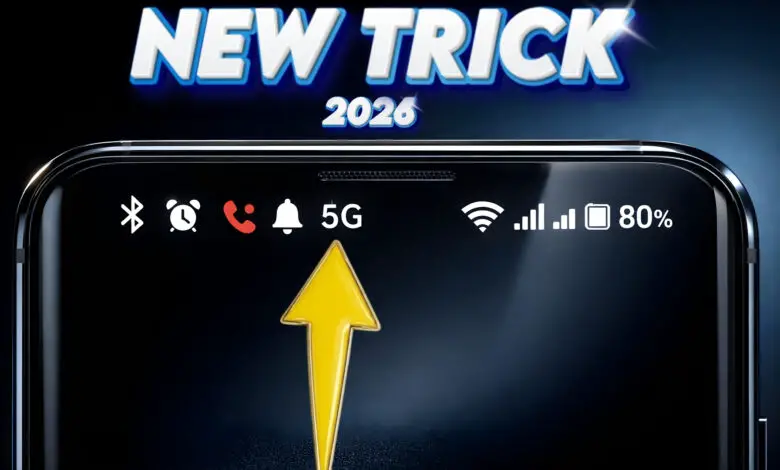
If you’ve ever wished your Android status bar looked cleaner, smarter, or more like iOS — Super Status Bar – Customize might be exactly what you need. With over 1 million downloads on the Google Play Store, this powerful Android app allows users to completely transform their status bar with gestures, icon styles, brightness controls, battery bars, and much more.
In this detailed guide, we’ll explore everything about the Super Status Bar app, how it works, its features, customization options, and whether it’s worth installing on your Android device.
What Is Super Status Bar?
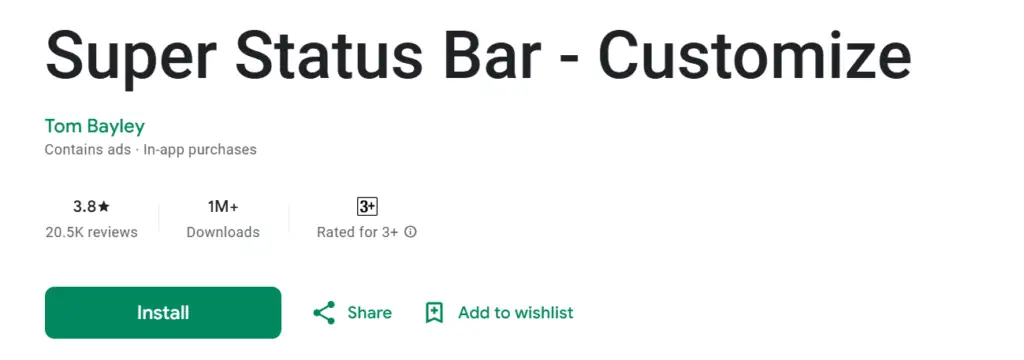
Super Status Bar – Customize is an Android personalization app developed by Tom Bayley. It enhances your default status bar by adding advanced controls, gestures, notification previews, and custom styles.
Instead of using your phone the usual way, this app allows you to:
- Control brightness and volume by swiping
- Add gesture shortcuts
- Change status bar icon styles
- Display battery percentage as a sleek animated bar
- Customize notification ticker text
The app works on Android 6.0 and above, and the download size is just 10 MB, making it lightweight and efficient.
Key Features of Super Status Bar
1️⃣ Status Bar Brightness & Volume Control
One of the most powerful features is swipe-based brightness and volume control.
✔ Swipe across the status bar to adjust brightness
✔ Automatically detects the type of sound playing
✔ Adjust music, ringtone, notification, alarm, or call volume
For example, if you’re listening to music, swiping adjusts media volume automatically. This makes it extremely convenient compared to using hardware buttons.
2️⃣ Notification Ticker Text
If you miss the old-style Android ticker notifications, this app brings them back.
✔ Shows notification text directly in the status bar
✔ Fully customizable design
✔ Can replace heads-up notifications
This is especially useful for users who want a clean, distraction-free notification experience.
3️⃣ Gesture Controls in Status Bar
Super Status Bar allows you to use simple gestures to trigger actions.
Supported gestures include:
- Tap
- Double tap
- Long press
- Swipe left/right
Available actions:
- Double tap to sleep
- Turn on flashlight
- Screenshot
- Open apps
- Expand quick settings
- Split screen
- Go back / home / recents
- Toggle rotation
- Open power menu
This transforms your status bar into a powerful control hub.
4️⃣ Custom Icon Styles (iOS & MIUI Style)
Want your Android to look like iOS 14 or MIUI 12?
You can:
✔ Apply iOS-style status bar icons
✔ Use MIUI 12 or Android R styles
✔ Change icon colors
✔ Hide unwanted status bar icons
✔ Customize status bar background
This is perfect for users who love personalization.
5️⃣ Battery Bar Feature
Instead of showing battery percentage numbers, you can display a sleek animated battery bar along the status bar.
✔ Fully customizable colors
✔ Adjustable position
✔ Charging animation support
It gives your phone a premium look.
How Super Status Bar Works
The app uses Android Accessibility Services to:
- Detect gestures
- Display a custom status bar
- Control quick settings and actions
Since it uses accessibility permissions, users should enable it manually after installation. The app clearly explains how to do this.
App Details (2025 Update)
- Version: 2.10.1
- Updated: August 25, 2025
- Developer: Tom Bayley
- Downloads: 1,000,000+
- In-app purchases: ₹85 – ₹650
- Content rating: Rated for 3+
- Android Requirement: 6.0 and up
- Size: 10 MB
The app works smoothly on popular devices like Samsung and OnePlus models.
Pros and Cons
✅ Pros
- Lightweight app (only 10 MB)
- Highly customizable
- Useful gesture controls
- Brightness & volume swipe feature
- Modern icon styling options
❌ Cons
- Some features require in-app purchases
- Needs accessibility permissions
- May slightly affect battery on older devices
Who Should Use This App?
This app is ideal for:
- Android customization lovers
- Users who want iOS-style status bar on Android
- People who prefer gesture-based controls
- Power users who want quick brightness & volume control
- Anyone who loves tweaking UI
Frequently Asked Questions (FAQs)
Q1: Is Super Status Bar safe?
Yes, it is available on the official Google Play Store and developed by Tom Bayley. It uses accessibility services for functionality.
Q2: Does it work on all Android phones?
It works on Android 6.0 and above. Performance may vary depending on device.
Q3: Does it drain battery?
Minimal impact on modern devices, but gesture monitoring may consume slight battery in older phones.
Q4: Can I uninstall it anytime?
Yes, you can uninstall it and disable accessibility permission anytime.
Final Verdict
If you want to upgrade your Android status bar, add smart gesture controls, and customize icons like iOS or MIUI — Super Status Bar – Customize is one of the best Android customization apps available in 2025.
It’s lightweight, powerful, and packed with features that genuinely improve usability. Whether you’re into personalization or productivity, this app can transform your daily smartphone experience.